Master Your Screen's Color Temperature. The easy-to-use Blue Light filter.
Ever wonder why your eyes are dry or fatigued
after a few hours of computer use?
Blue Minus helps to reduce eyestrain while working on your computer by scheduling changes to your screen's blue light levels.
It does this by adjusting the temperature of the colors displayed on your screen.
Tend to wake up at 3AM to start your day? Make that your "brightest / bluest" time.
Work in a dimly-lit office environment from 9AM to 5PM? Adjust this part of your day to be "warmer."
Download BlueMinus now


Blue Minus is free for personal use and for commercial use by organizations with ten (10) or fewer total employees.
Commercial licenses are $5.00 USD per person per year.
If you are interested, please reach out to us:
Your Schedule, Your Rules. Complete Control Over Your Screen.
Unlike other tools that lock you into rigid sun-based cycles, Blue Minus lets you create unlimited custom schedules.
Define exactly when and how your screen warms up to match your unique workflow, whether you're a night owl or an early bird.

Instant Overrides for Color-Sensitive Work.
Need true colors for design work?
Adjust your temperature instantly with a slider or disable Blue Minus for specific apps automatically.
Download BlueMinus now
Blue Minus is free for personal use and for commercial use by organizations with ten (10) or fewer total employees.
Commercial licenses are $5.00 USD per person per year.
If you are interested, please reach out to us:
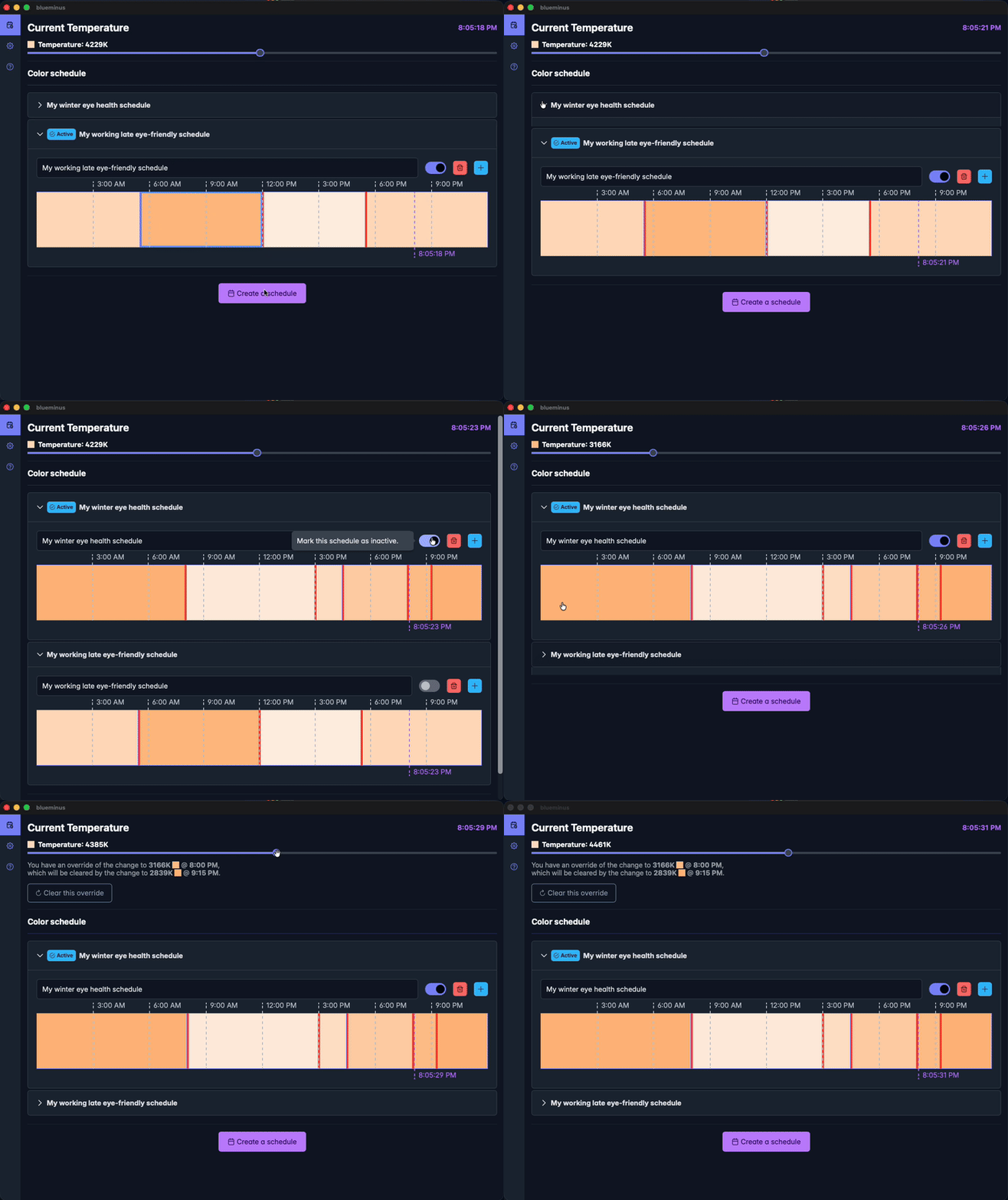
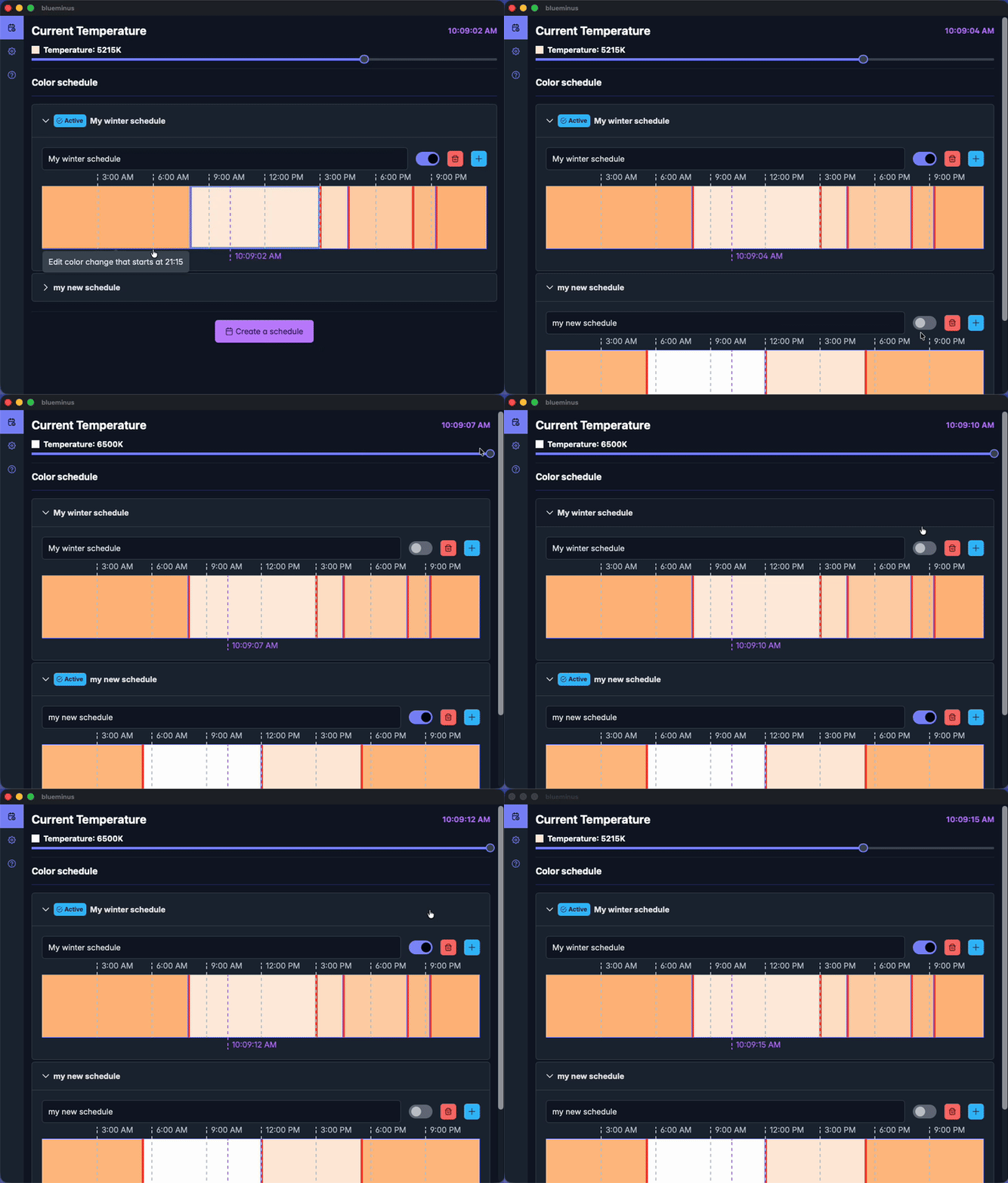
Set a schedule as active
Change which schedule you want to use
Quickly click the toggle button to set a schedule as active and start using its color changes.
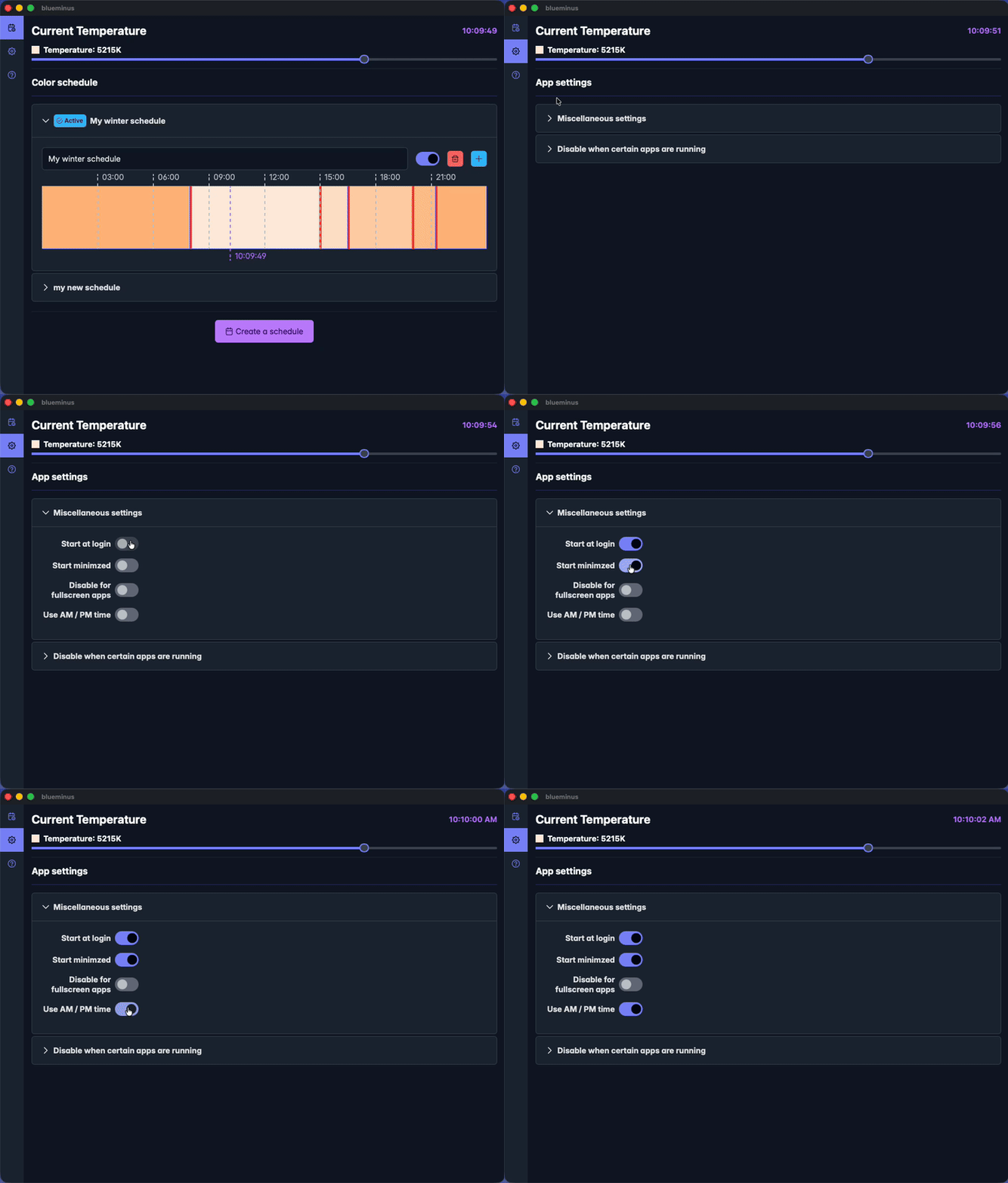
Powerful Features, Zero Clutter.
Blue Minus was designed to be delightful and intuitive.
No confusing menus or hidden settings—just a clean, modern interface that lets you manage your eye health in seconds.
Download BlueMinus now
Blue Minus is free for personal use and for commercial use by organizations with ten (10) or fewer total employees.
Commercial licenses are $5.00 USD per person per year.
If you are interested, please reach out to us:
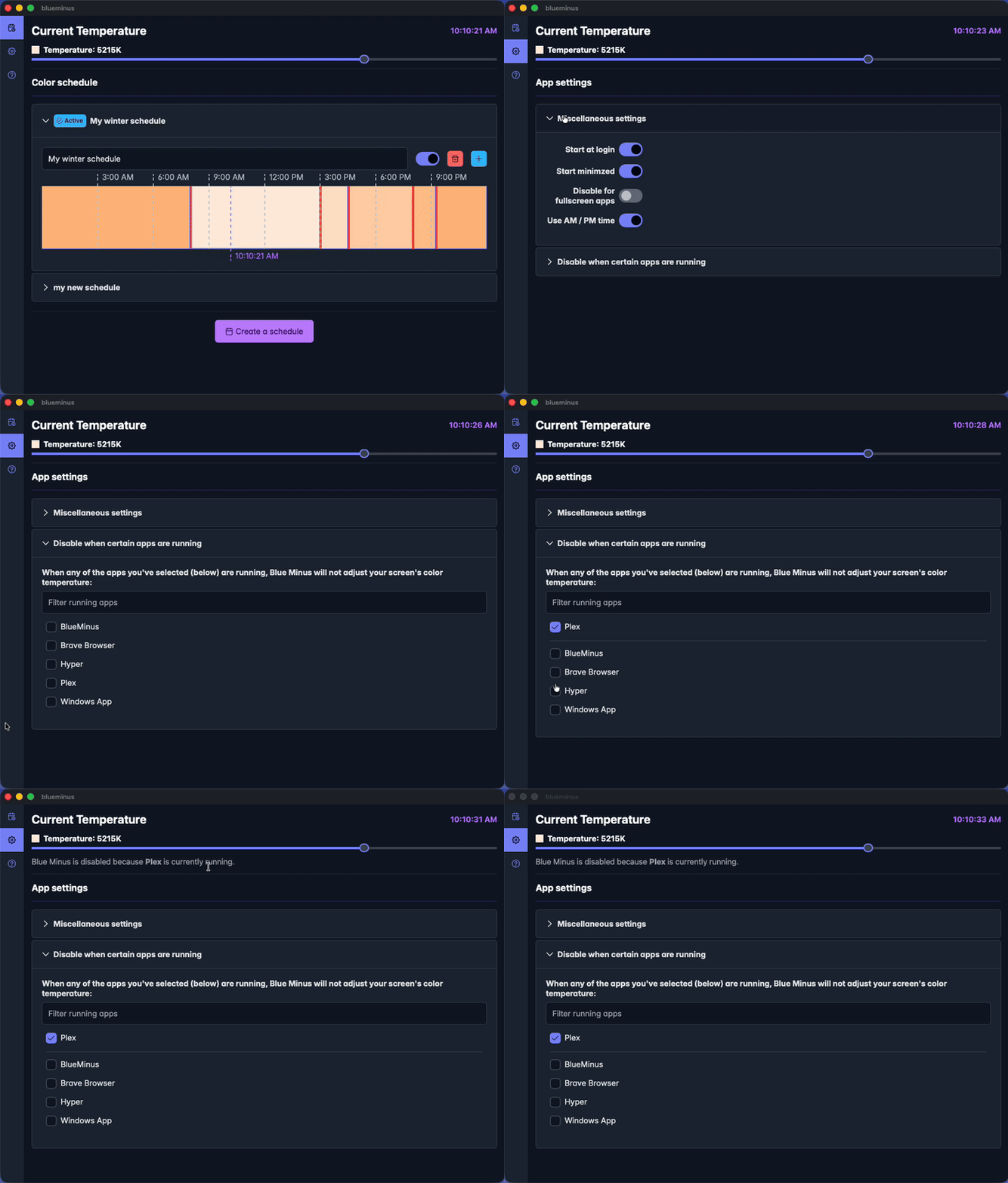
Disable when running specific apps
This is useful if you are doing color-sensitive work and need to temporarily disable Blue Minus.